macOS
A fresh Mac for a new project, a different release, or a clean test environment. Download a compatible installer straight from Apple. Guest Tools bring text clipboard sharing and graceful shutdown.
Built for Apple silicon
Run macOS, Linux, and Windows 11 ARM virtual machines for free on Apple silicon. A native Mac app for work, projects, and experiments.
Requires macOS 26 or later · Apple silicon
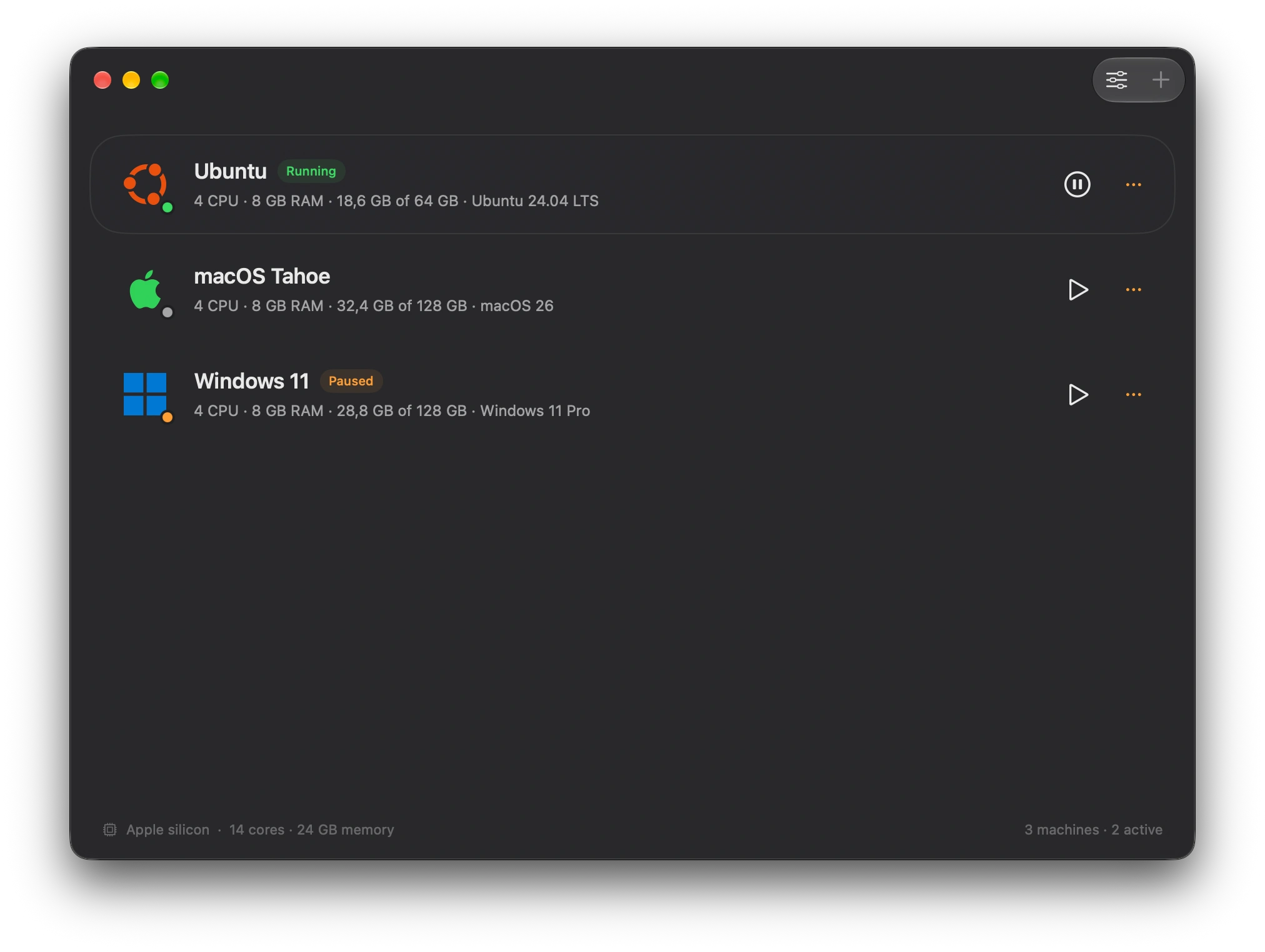
Native windows. Local machines. Your space.
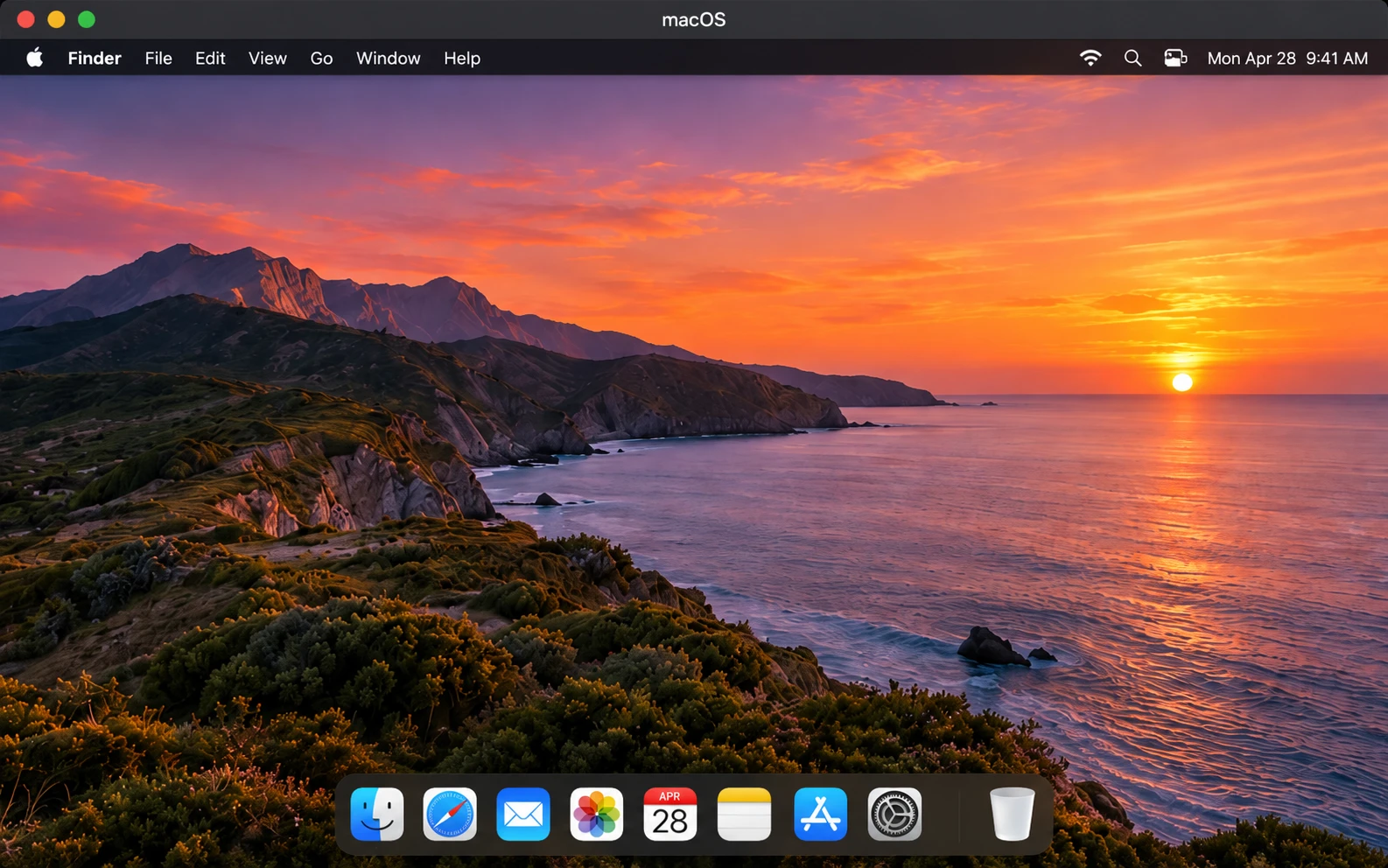
A fresh Mac for a new project, a different release, or a clean test environment. Download a compatible installer straight from Apple. Guest Tools bring text clipboard sharing and graceful shutdown.
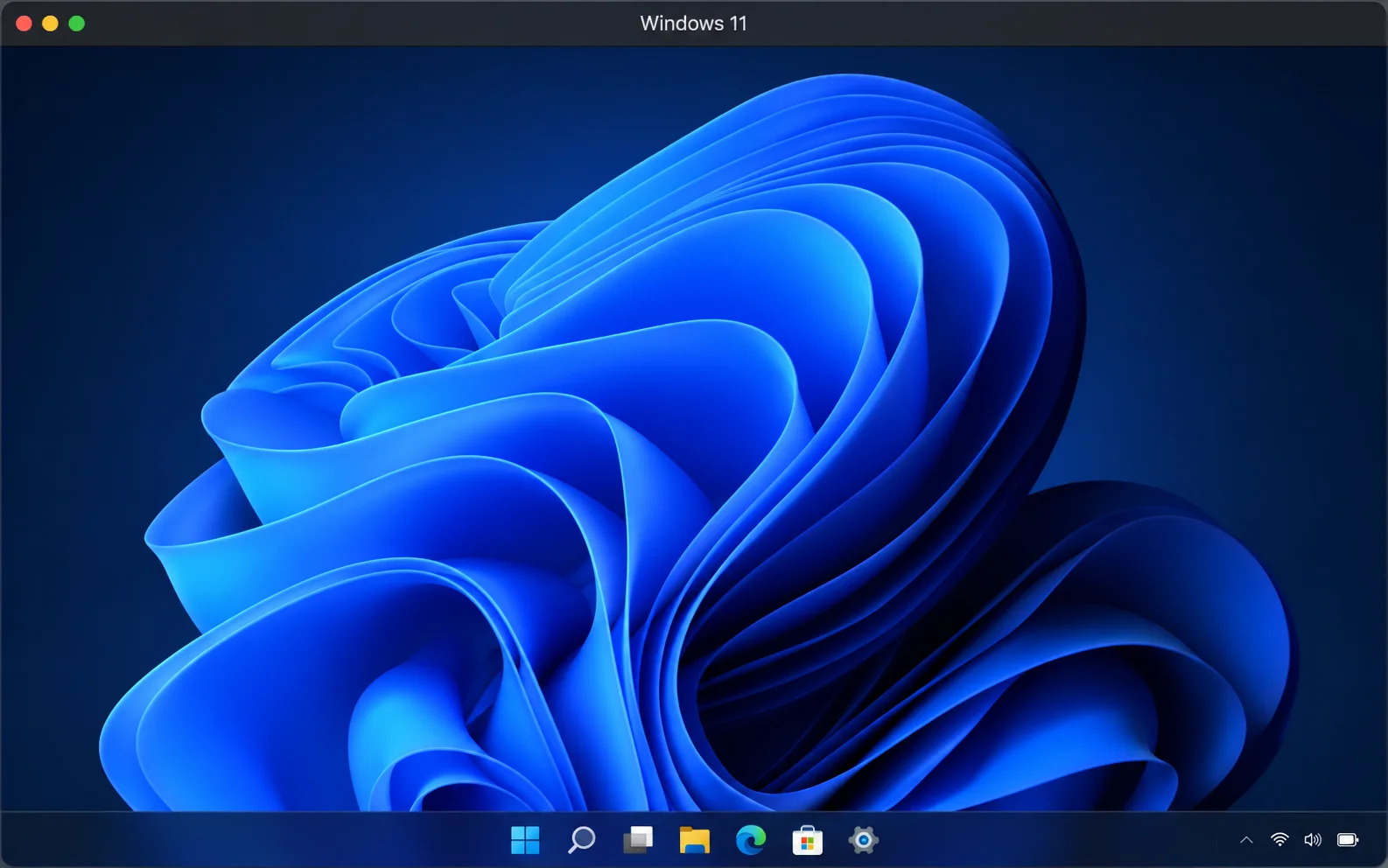
Your Windows workspace, in a native Mac window. Run Windows 11 ARM with hardware acceleration, TPM, and Secure Boot. Included Windows Tools add display resizing, shared folders, and text clipboard support. Your own Windows licence is required.
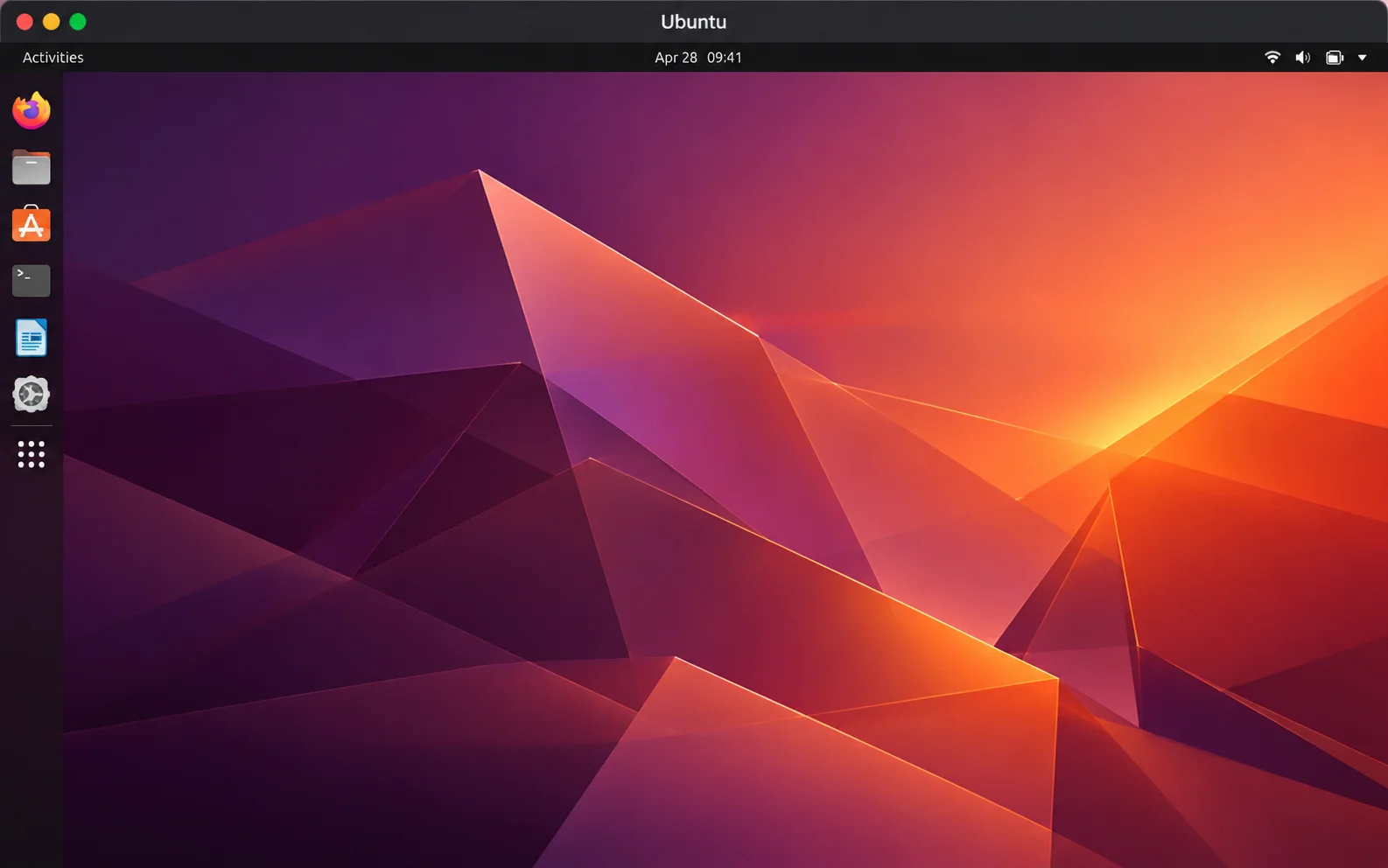
Let MacVM set up Ubuntu 26.04 or 24.04 LTS, with GNOME, a lighter Xfce desktop, or Server. Add your developer tools and SSH key during setup, or bring an ARM64 UEFI ISO for another distribution.
THE FEATURES
From your first boot to your daily workflow.
Everything feels right at home on your Mac.
A clean Mac inside your Mac. Download a compatible macOS installer directly from Apple, or use your own IPSW to test apps and try another release.
Choose automatic Ubuntu setup or install another ARM64 Linux distribution from a UEFI ISO. Your favorite tools, in their own environment.
Run Windows in a native Mac window with hardware acceleration, sound, TPM, and Secure Boot. Bring a Microsoft ARM64 ISO and your own Windows licence.
Ubuntu 26.04 or 24.04 LTS, with GNOME, a lighter Xfce desktop, or Server. MacVM creates your account and prepares your chosen environment on first boot.
Add Git, build tools, Python, Node.js, and Docker / Compose during Ubuntu setup. Include an SSH public key for key-based access to your guest.
See Ubuntu setup progress in your library, inspect the log, and retry from completed checkpoints. Interrupted setup continues when you start the machine again.
Bring selected Mac folders into your guest. Each folder starts read-only; allow write access when you need it. You decide exactly what each machine can see.
Copy and paste text between your Mac and the active guest. Turn sharing on per machine, with Guest Tools for macOS, spice-vdagent for Linux, or Windows Tools.
Start, pause, and resume from one library. Request a graceful shutdown, or keep a guest running when you close its window or quit the library.
Make a copy of a macOS or Linux VM with a fresh machine identity. On APFS drives, cloning shares unchanged disk data to save time and space.
Choose CPU cores, memory, disk capacity, and network access at creation. Adjust CPU, memory, boot media, and networking while the machine is stopped.
Keep machines on your Mac or an external drive. Move stopped VMs between locations, or add an existing .macvm package to your library without copying it.
Each guest has its own native window, process, and operating-system Dock icon. Close and reopen the library while your running machines stay right where they are.
Use your display’s full pixel density and native macOS full screen. Supported guest drivers adapt the resolution; automatic Ubuntu desktops start at 200% scaling.
Resume interrupted macOS downloads and reuse installers. Manage ISO, IPSW, and Ubuntu images in one place, then remove unused files while keeping your VM disks.
Install bundled macOS Guest Tools for clipboard sharing and graceful shutdown. Windows Tools add display resizing, drivers, shared folders, and text clipboard support.
Your machines live on your drives, with no telemetry. Folder and clipboard access are opt-in. Guest internet uses NAT, and sharing opens no host network port.
Developer ID signed and notarized releases, plus built-in update checks. MacVM verifies downloaded updates and waits until your guests are shut down before installing.
Yes. MacVM is completely free to download and use, with no subscription, trial period, or paid feature unlocks. Guest operating systems have their own licence terms; Windows requires your own activation licence. See Free use & licensing in the footer for details.
MacVM requires an Apple silicon Mac running macOS 26 or later. Intel Macs and x86 installers are not supported. The creation wizard checks available storage before preparing your machine.
Compatible macOS versions from an Apple IPSW, Ubuntu 26.04 and 24.04 LTS with automatic setup, other ARM64 / aarch64 Linux distributions from a UEFI ISO, and Windows 11 ARM64. Guest compatibility and graphics capabilities depend on the operating system and its drivers.
MacVM includes its Windows virtualization engine and guest tools. You provide a Microsoft Windows 11 ARM64 ISO or Microsoft download link and your own activation licence. Windows needs at least 4 GB of guest memory; the wizard reserves 40 GiB for installation and updates, plus any installer download or copy.
Choose host folders in Machine Settings → Sharing. Folders start read-only, and text clipboard sharing is opt-in. macOS uses the bundled Guest Tools, Linux requires spice-vdagent for clipboard support, and Windows uses its bundled Windows Tools. Automatic Ubuntu desktop profiles include spice-vdagent. Clipboard sharing is limited to the active guest session.
MacVM does not enable telemetry, microphone input, or a network control server. Guest internet access uses NAT networking. Folder and clipboard sharing are enabled only when you choose them. Downloads and update checks connect to the relevant image providers and GitHub.
Yes. Add an external volume in Settings → Locations, move stopped machines between locations, or register an existing .macvm package without copying it. macOS and Linux machines can be duplicated with a new machine identity; Windows duplication is not currently supported.
These are not currently supported. Pause keeps a machine in memory; it does not save its state to disk. Snapshots, host-to-guest drag-and-drop, port forwarding, Parallels import, and CLI/MCP automation are not included. Disk capacity is chosen at creation and cannot currently be resized.

macOS, Linux, and Windows. All on your Mac.